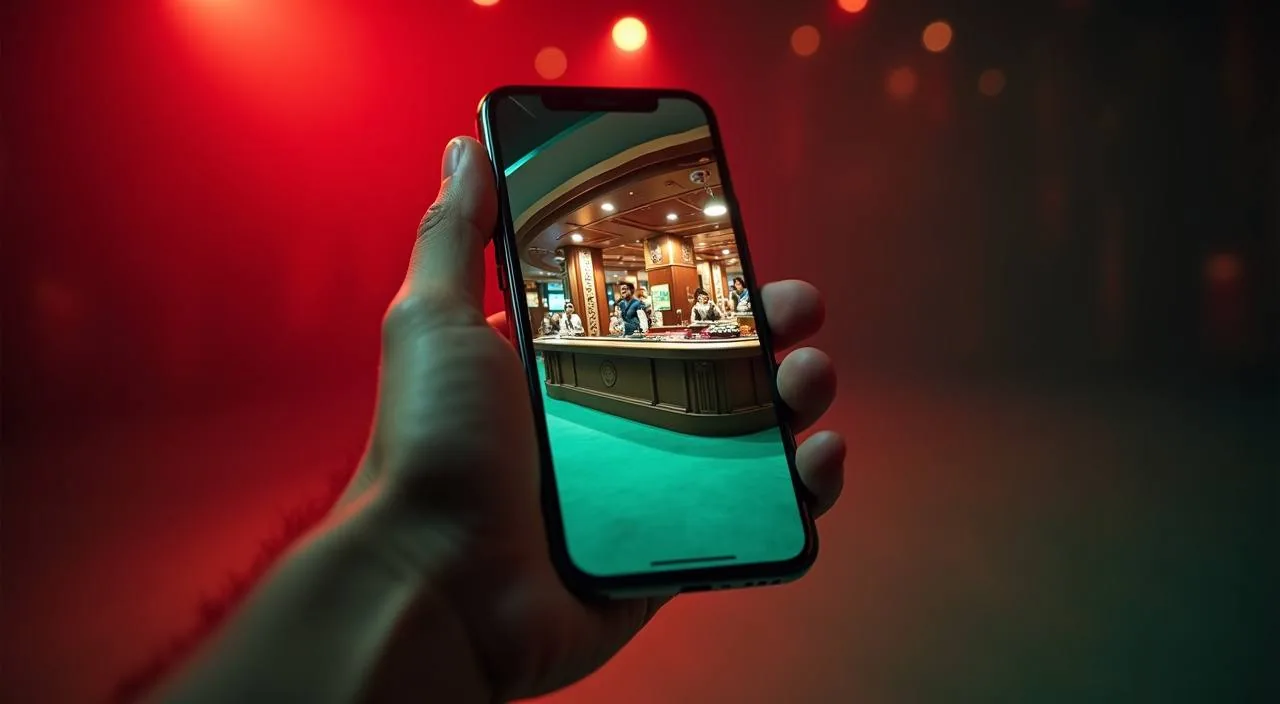
The nagid88 lobby opens through your mobile browser — no store download required to reach your account, game rooms or wallet section. Access depends on your local law and eligible region, so check the site directly to confirm what is available where you are.
When you open nagid88 in a mobile browser, the layout shifts to a single-column view built for a smaller screen. The navigation bar collapses into a menu icon at the top, and the main sections — game lobby, account area, wallet, and help pages — are all reachable from that menu without scrolling past unrelated content. Game discovery works through the same category tabs you see on desktop: slots, live casino, sportsbook, and crash games. Your account route sits one tap from the home screen, so checking deposit records or reviewing a transaction takes a few taps rather than navigating a full desktop layout. The help section is also accessible from mobile, pointing you toward the published support routes when you need to raise a query.
MOBILE PAGE BEHAVIOUR
Rendered Features on Mobile
These are the page-level behaviours you can verify directly in the mobile browser when you open nagid88. No native installation is needed for any of them — they are part of how the site renders on a supported handset.
Responsive Navigation
The site reflows into a compact single-column layout on smaller screens. The top menu collapses into an icon, keeping primary account and lobby links reachable with one tap rather than a wide desktop navigation bar.
Account Route on Screen
Your account page — including deposit records, wallet balance and transaction history — loads in the mobile browser at the same URL path as desktop. No separate mobile login page; the same credentials work across devices.
Game Lobby Access
Slots, live casino tables, sportsbook markets and crash games are all browsable from the mobile view. Category tabs at the top of the lobby let you filter by type without reloading the full page.
Help Page Availability
The support and FAQ sections are linked from the mobile menu. If you need to reach the published contact route or check a policy page, those links are present in the mobile layout and do not require switching to desktop.
THREE STEPS TO START
Mobile Access in 3 Steps
Getting to your nagid88 account on a handset takes three straightforward steps through your existing mobile browser. No file download, no store listing, and no separate application install is involved — the site is designed to work within the browser you already have.
Open the Current Site
Type the nagid88 address directly into your mobile browser address bar or tap a saved bookmark. Check that the domain matches exactly before entering any account details — the correct domain is nagid88.
Check Browser Compatibility
The site works in current versions of Chrome, Firefox and Safari on Android and iOS. If a page element is not rendering correctly, try updating your browser to the latest available version before raising a support query.
Sign In to Your Account
Use your registered email and password on the login screen. Once signed in, your account dashboard, wallet section, game lobby and help pages are all accessible from the top menu without any further steps.
DEVICE COMPATIBILITY CHECK
Supported Browsers and Account Requirements
Before expecting full lobby access on mobile, run through this checklist. Each point corresponds to something you can verify yourself on your device without contacting support.
Browser Version
Use a browser released within the last two major versions. Older browsers may not render the game lobby or wallet section correctly. Chrome and Safari on current Android and iOS builds are the most common options among Bangladesh members.
Screen Layout
The site is built for screens from around 360px wide upward. Tablets and larger Android handsets load the same responsive layout. If text or buttons appear cut off, a forced desktop view in your browser settings usually resolves it.
Account Status
Full lobby access requires a verified account. If your account is pending verification, some sections — including the wallet route — may appear restricted until you complete the steps shown in your account area.
Domain Verification
Always confirm you are on nagid88 before signing in. The correct domain is shown in your browser address bar. If you reached the site through an unfamiliar link, close and retype the address manually.
Data Connection
Live casino tables and crash games stream video content, which requires a stable data connection. On a weak mobile signal, slots and sportsbook pages load more reliably than live dealer rooms — switch to Wi-Fi if live content buffers.
HELP FOR MOBILE USERS
Getting Help from a Mobile Device
If something is not working as expected on your handset — a page not loading, an account step that is unclear, or a wallet section that appears different from desktop — the following support routes are available directly from the mobile site.
Help Section
The help pages are linked from the mobile menu. They cover common account questions, wallet routes including bKash and Nagad steps, and device access queries. Check here first before raising a ticket, as most access questions are answered in the published FAQ.
Contact Route
The published contact form is accessible from both desktop and mobile. Fill in your account details and describe the issue clearly — include the browser version and device type so the support team can replicate the problem on their end.
Account Recovery
If you cannot sign in, the password recovery path is on the login screen. Follow the steps shown there using your registered email. If the recovery email does not arrive, check your spam folder before contacting support.
ACCOUNT SECURITY ON MOBILE
Trust Checks for Mobile Access
Using your account through a mobile browser carries the same account security responsibilities as desktop access. These four checks are practical steps you can take without any technical background.
Verify the Domain
Each time you sign in, confirm the address bar shows nagid88 exactly. Phishing pages often use near-identical domains with one character changed. A saved bookmark to the correct address is a simple way to avoid mistyping it.
Review Published Device Guidance
The help section includes any current guidance on supported devices and known browser issues. If a new limitation is introduced — such as a browser version no longer supported — it will be noted there first. Check it when you update your phone's operating system.
Protect Your Credentials
Do not save your nagid88 password in a shared browser profile or a browser on a device that other people use. The account is tied to your wallet routes, so credential exposure has a direct impact on your balance and transaction records.
Use the Published Recovery Path
If you suspect unauthorised access, use the account recovery steps published on the login page immediately. Do not contact unofficial channels claiming to offer account recovery — only the steps shown on the nagid88 login screen are the ones we support.
COMMON APP QUESTIONS
Questions About nagid88 Mobile Access
These are the questions we hear most often from members using nagid88 on a mobile device. Each answer reflects what is currently available through the browser-based site.
Does nagid88 have a native app I can download from the Play Store or App Store?
A native store listing is not confirmed at this time. The full site — including your account, wallet and game lobby — is available through your mobile browser at nagid88. Check the site directly for any updates on a dedicated app build, as availability may change.
Which mobile browsers work with the nagid88 site?
Current versions of Chrome, Firefox and Safari on Android and iOS load the site correctly. If a section is not rendering as expected, update your browser to the latest version first. Older browser builds may not support all page features in the lobby or wallet area.
Can I access my bKash or Nagad wallet from mobile?
Yes. The wallet section of your account loads in the mobile browser the same way it does on desktop. Your bKash and Nagad routes are listed under the deposit and withdrawal area of your account page. Follow the steps shown there to complete a transaction.
Why is the live casino section slow on my phone?
Live dealer tables stream video, which needs a stable data connection. On a weak mobile signal, the stream may buffer or drop frames. Switching to a Wi-Fi connection usually resolves it. Slots and sportsbook pages — including BPL Final Live and Football Straight Bets — load more reliably on a mobile data connection than live dealer rooms.
Is the account login the same on mobile and desktop?
Yes. Your registered email and password work on both. There is no separate mobile account or mobile-specific login flow. Once signed in on your handset, your full account history, wallet balance and transaction records are visible from the account menu.
What should I do if the nagid88 site does not load on my phone?
First, check that you are typing nagid88 correctly in the address bar. Then confirm your browser is up to date and that your data connection is active. If the site still does not load, check the help section on desktop for any published notices about maintenance or access changes in your region.
 Sports / Mobile